Review Member Invitations
Members submit a team application through an invitation link or QR code. Administrators process applications under Invitation Review, which contains Pending, Approved, and Rejected tabs.
Generate an Invitation
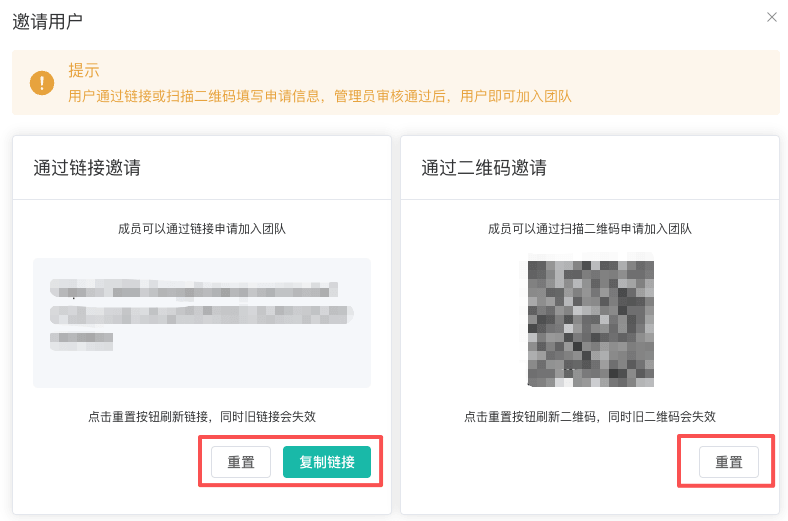
Click Invite User under Members to copy an invitation link or display a QR code. Resetting the link immediately invalidates the previous link and QR code, so use it only when an issued invitation must be revoked.
Approve or Reject an Application
- Open
Invitation Reviewand remain onPending. - Select
ApproveorRejectfor the application. - When approving, select roles, browser profile group scope, proxy authorization, and notes. When rejecting, enter a reason.
- Confirm and review the result under
ApprovedorRejected.
Before approval, the client checks role list permission and available team seats. If the plan limit has been reached, purchase a team plan or remove an unneeded member first.
Warning
An invitation link grants access to request team membership. Send it through a controlled channel and never place the link or QR code in public documentation, group announcements, or unencrypted tickets.