View Coupons
Coupons groups top-up, plan, and proxy coupons by status. Switch among Available, Used, and Expired to review the discount, minimum spend, and expiration time.
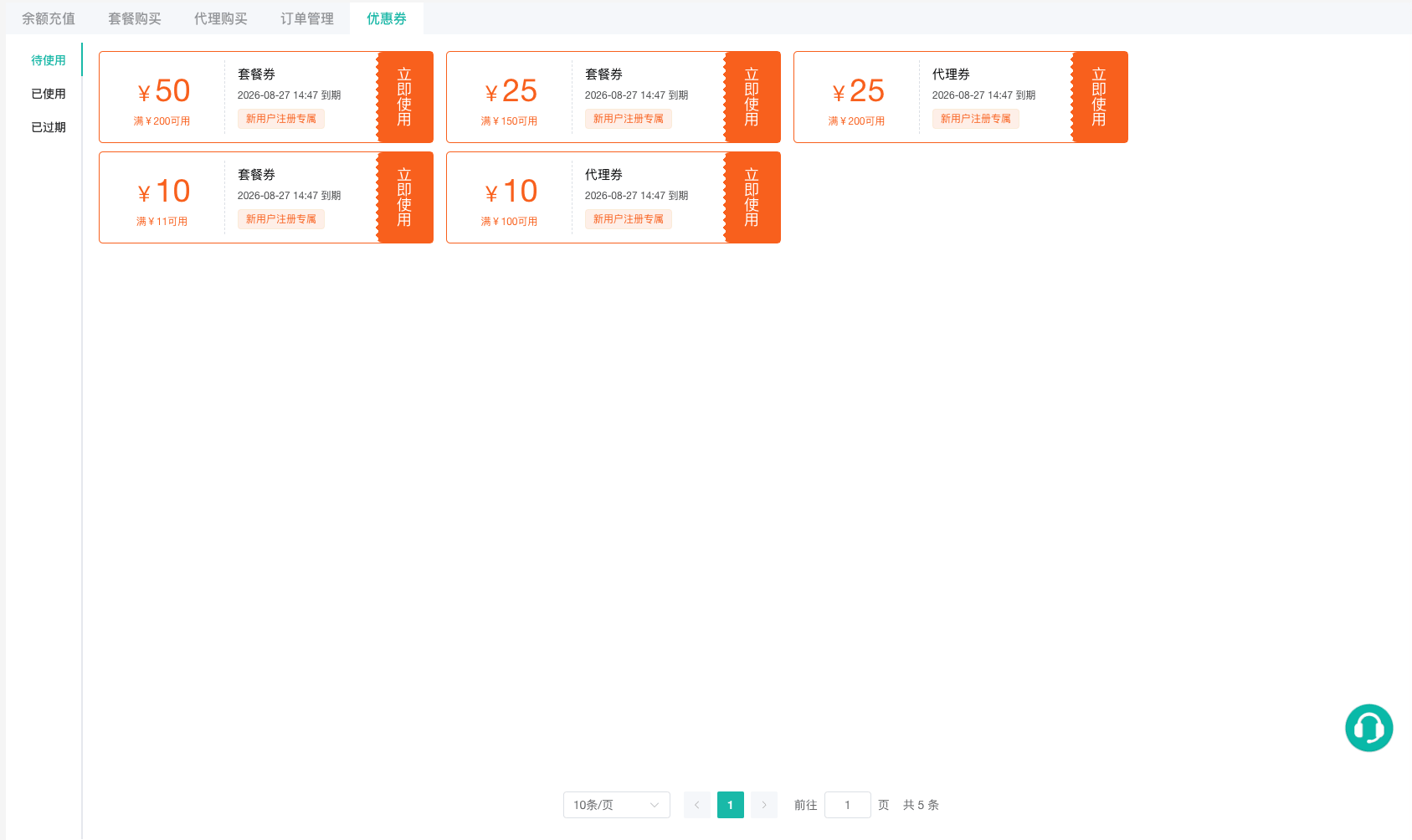
A coupon is available only when the order type and minimum amount match its conditions. If the order amount changes, the client removes a selected coupon that no longer qualifies. Review the actual discount again before submitting the order.
Top-up coupons currently appear only in the coupon list and cannot yet be selected on the Add Funds page. Plan and proxy coupons can be applied to the corresponding orders under Purchase a Team Plan and Purchase Proxy IPs.